ChatGPT product feed errors and how to fix them
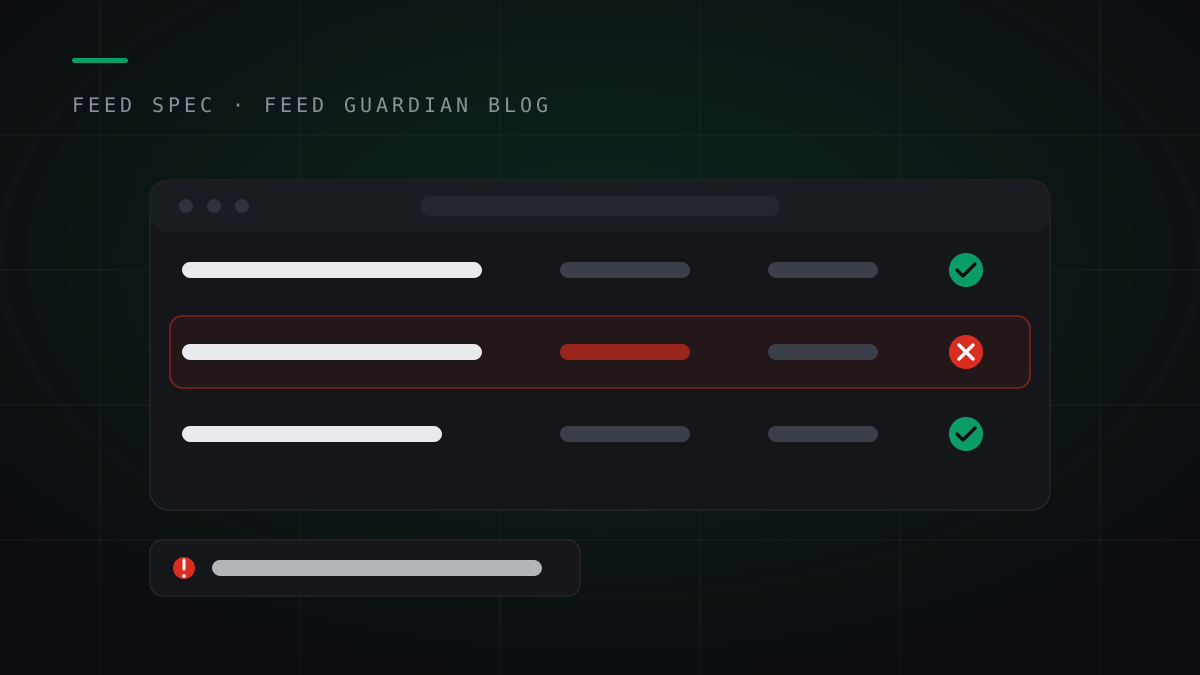
The errors that get products rejected from ChatGPT's feed: missing brand, wrong price format, bad availability values. What each one means, and the fix.
By Feed Guardian
Read article →The errors that get products rejected from ChatGPT's feed: missing brand, wrong price format, bad availability values. What each one means, and the fix.
By Feed Guardian
Read article →Field notes, the feed spec, and the fixes. Written for WooCommerce, Shopify and Next.js store owners selling through ChatGPT.
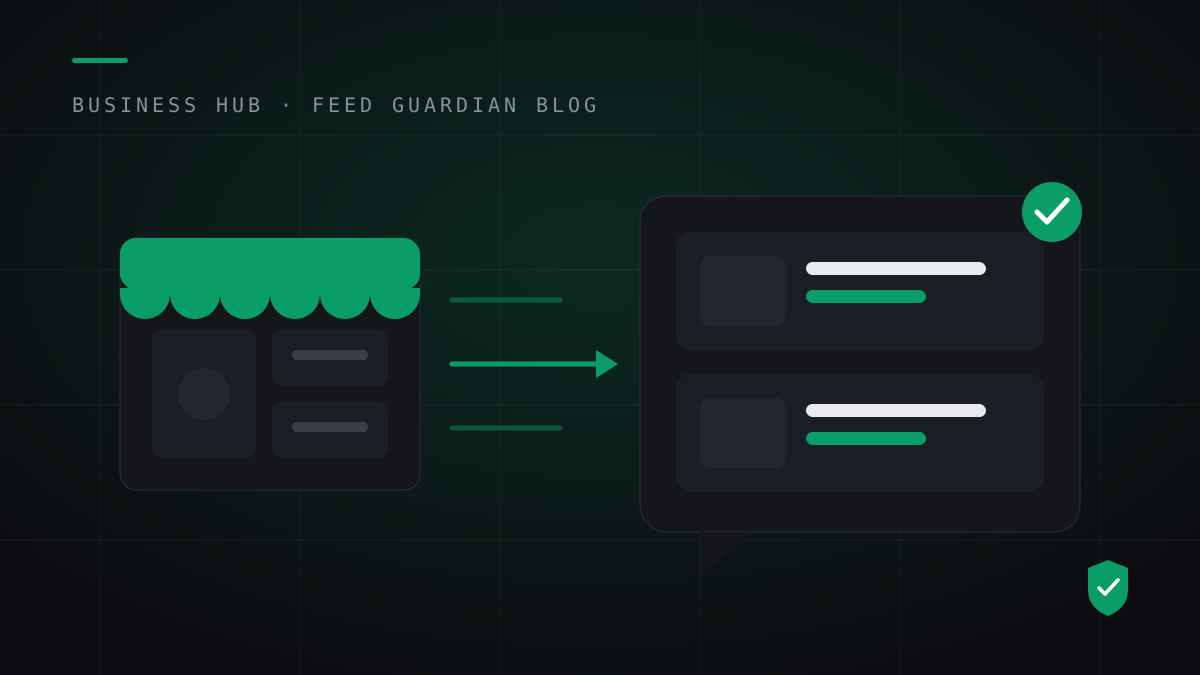
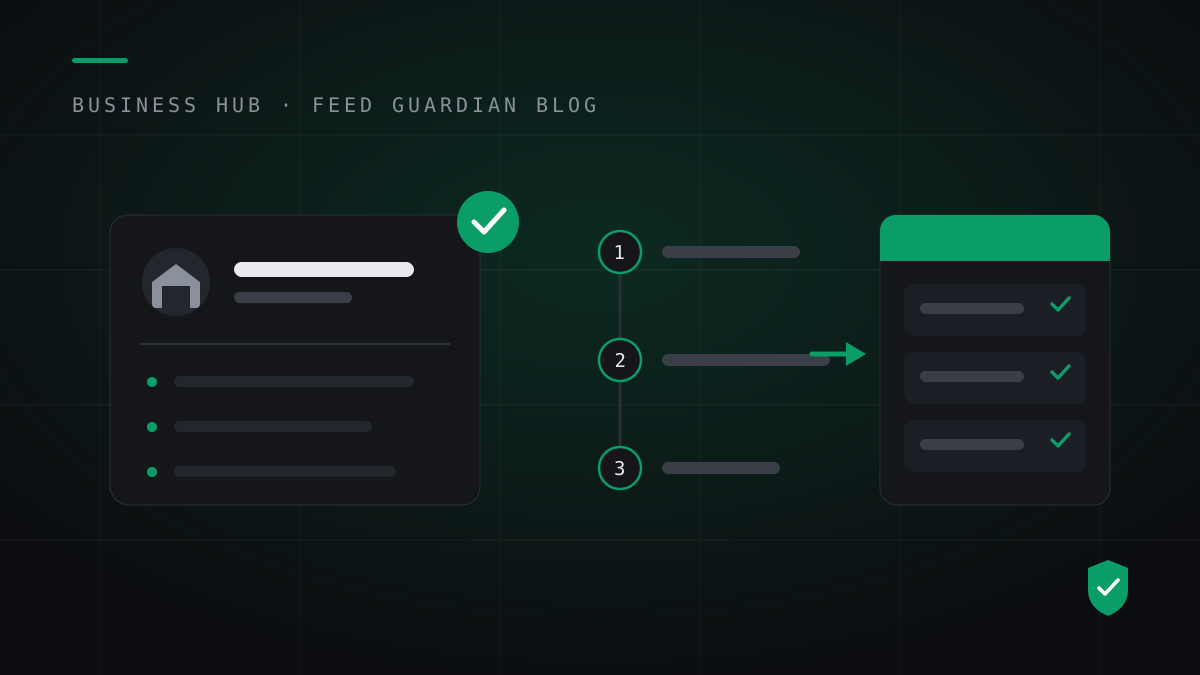
Claim your business in ChatGPT Business Hub step by step: finish verification, link a hosted product feed URL, and keep the daily snapshot alive.
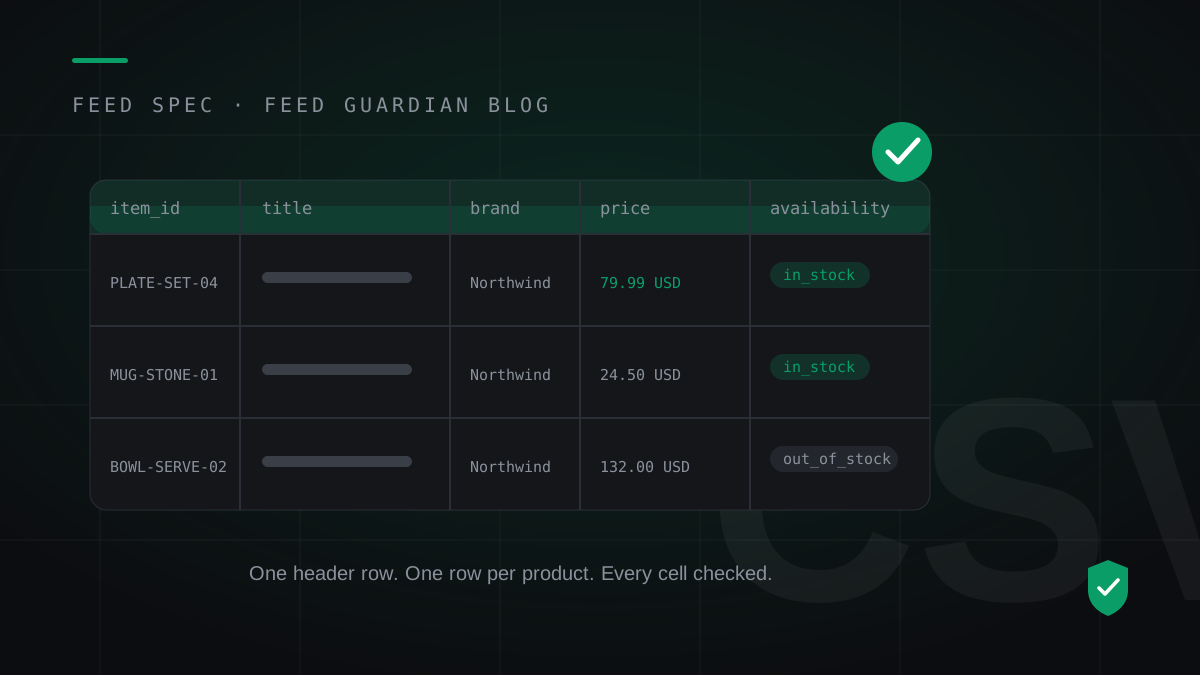
A row-by-row ChatGPT product feed CSV template with three worked example rows, the exact price and availability formats, and the daily snapshot rule.
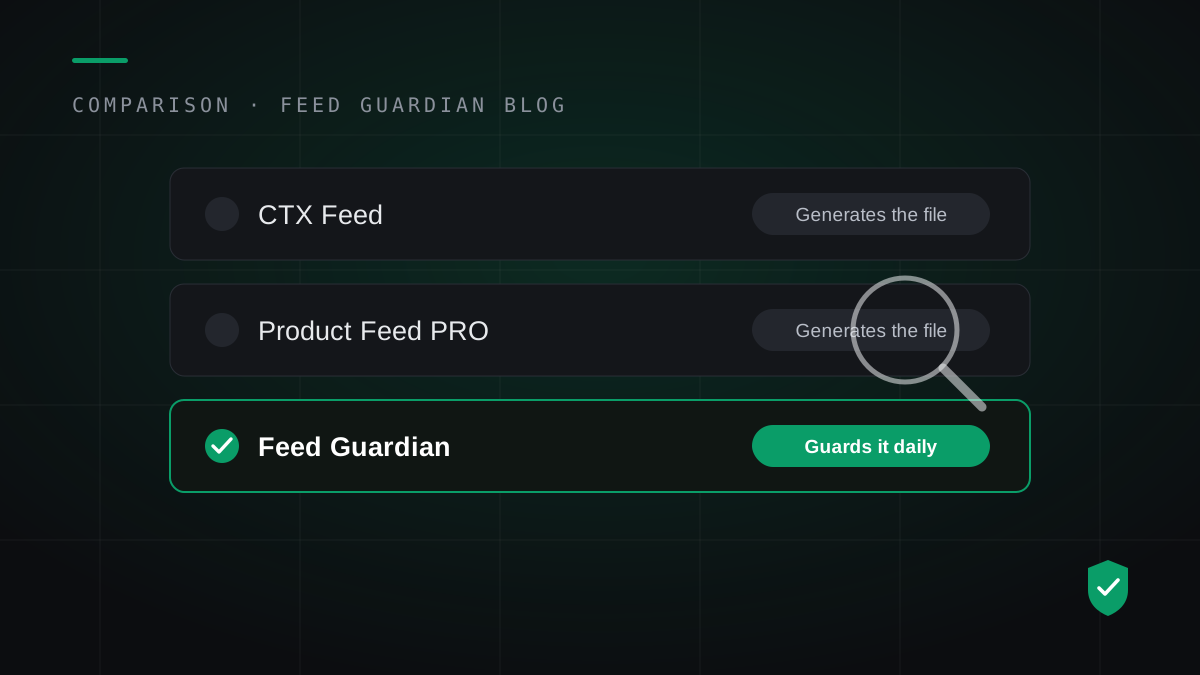
Compare ChatGPT product feed tools for WooCommerce: free plugins generate the file. One tool validates it daily and warns you before products vanish.
OpenAI opened Business Hub product feeds on November 10, 2026. Here is the exact path for a WooCommerce store: claim your business, verify, link a feed, keep it alive.
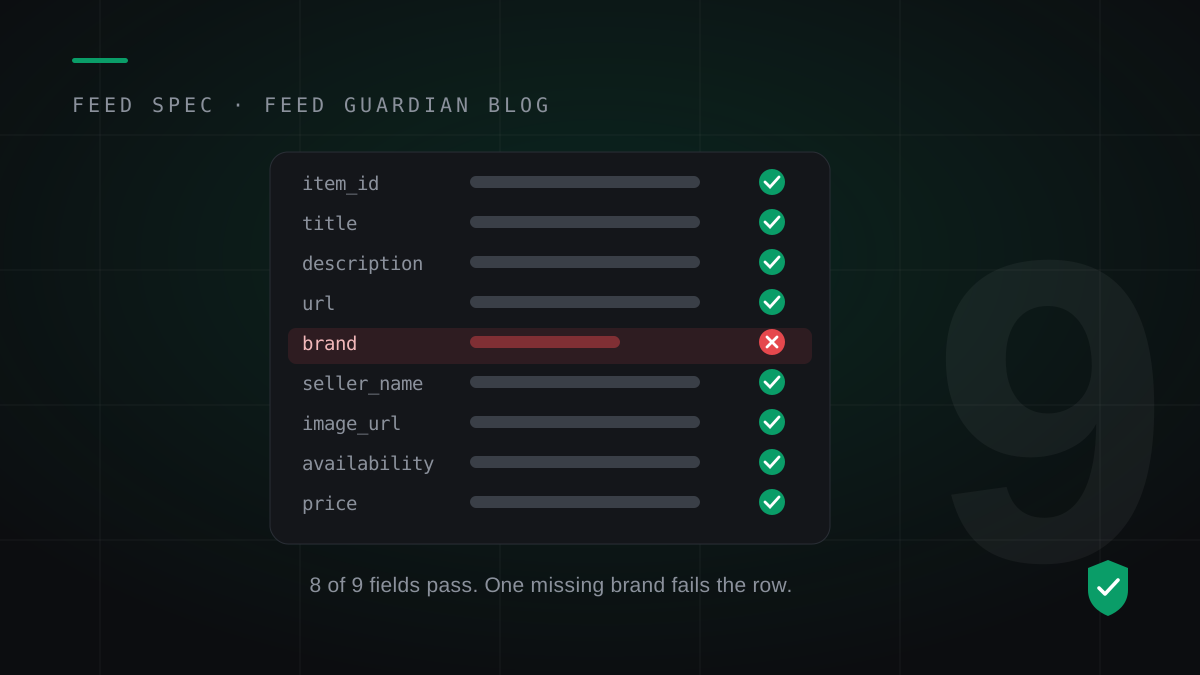
Every row in a ChatGPT product feed needs the same nine fields, in strict formats. What each field means, the formats that get rows rejected, and the flags that decide where a product can appear.
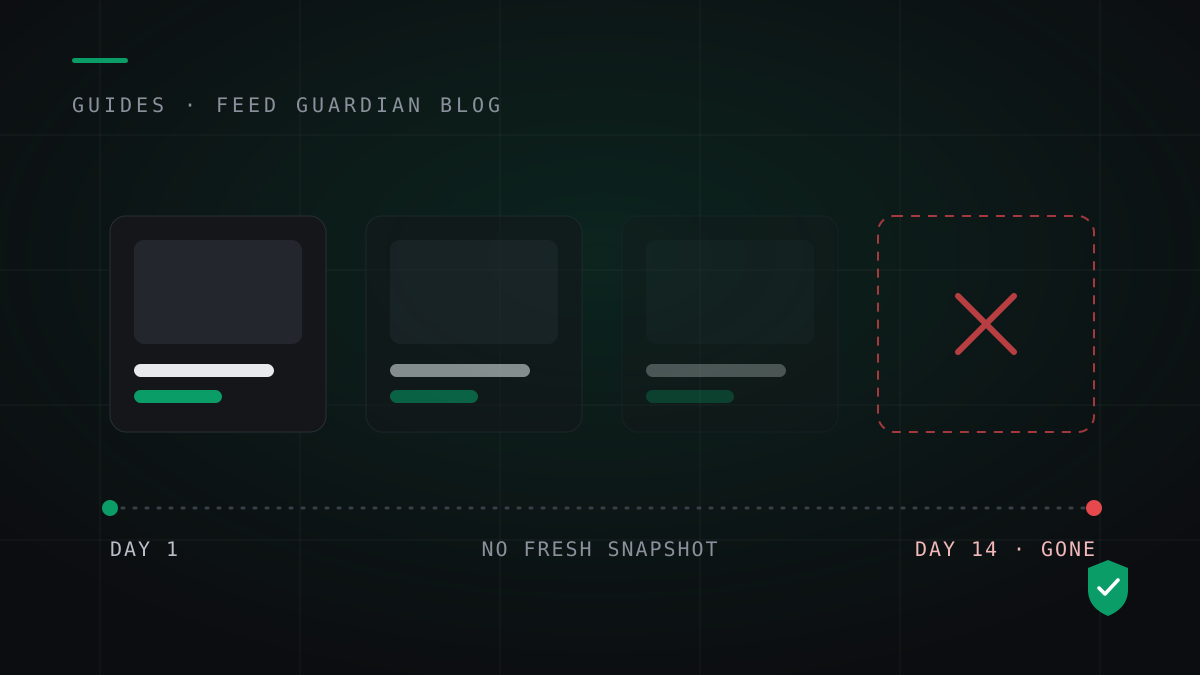
Products vanish from ChatGPT quietly: a stale snapshot, one broken row, a price that drifted. The four causes, and the daily habit that prevents all of them.
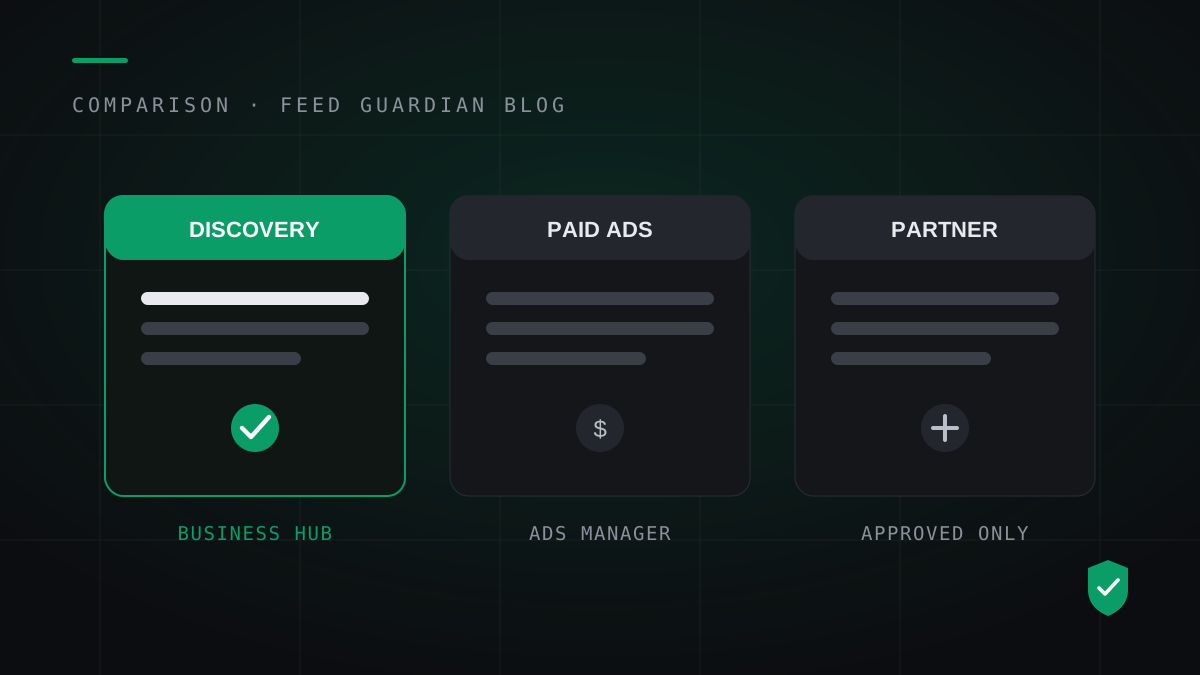
OpenAI runs three separate product feed paths in November 2026, and they do not feed each other. What each one does, who can use it, and which one a WooCommerce store should pick.