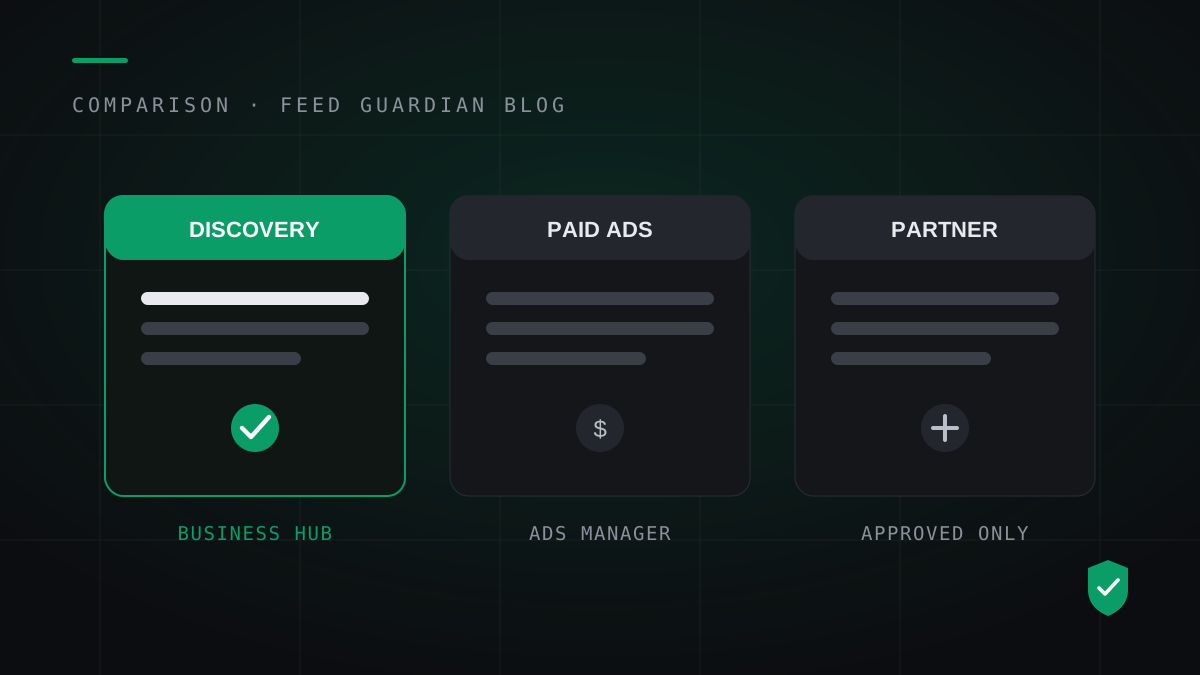
Most guides talk about 'the ChatGPT feed' as if one exists. OpenAI runs three separate feed systems, with separate access paths and separate jobs. A feed built for one does nothing for the others.
The Business Hub feed
Launched November 10, 2026. A business claims its profile in Business Hub, finishes verification, and connects a feed by CSV upload, hosted URL or Shopify. This feed is organic: it puts your products into ChatGPT's discovery results under your own business profile. For a WooCommerce store without a partner deal, this is the front door, and it opened six days ago.
The Ads Manager feed
Built for product feed ad campaigns inside ChatGPT Ads Manager. It accepts a CSV upload, a hosted URL or SFTP, holds up to two million products, and marks items with the is_ads_eligible flag. During the beta, products in this feed serve ads only. They do not appear in organic answers. Uploaded items expire after two weeks, which is why OpenAI steers advertisers to a hosted URL.
The partner commerce feed
The original route: apply through OpenAI's merchant program, get approved, and push full daily snapshots over SFTP. This is the feed behind large retailers' organic presence. Approval is OpenAI's call, the timeline is theirs, and most small stores will not get an answer quickly.
Which one you need
- Organic visibility under your own name: Business Hub. It is self-serve and open now.
- Paid placements: Ads Manager, with an advertiser account and a budget.
- Partner scale: the merchant program, if OpenAI approves you.
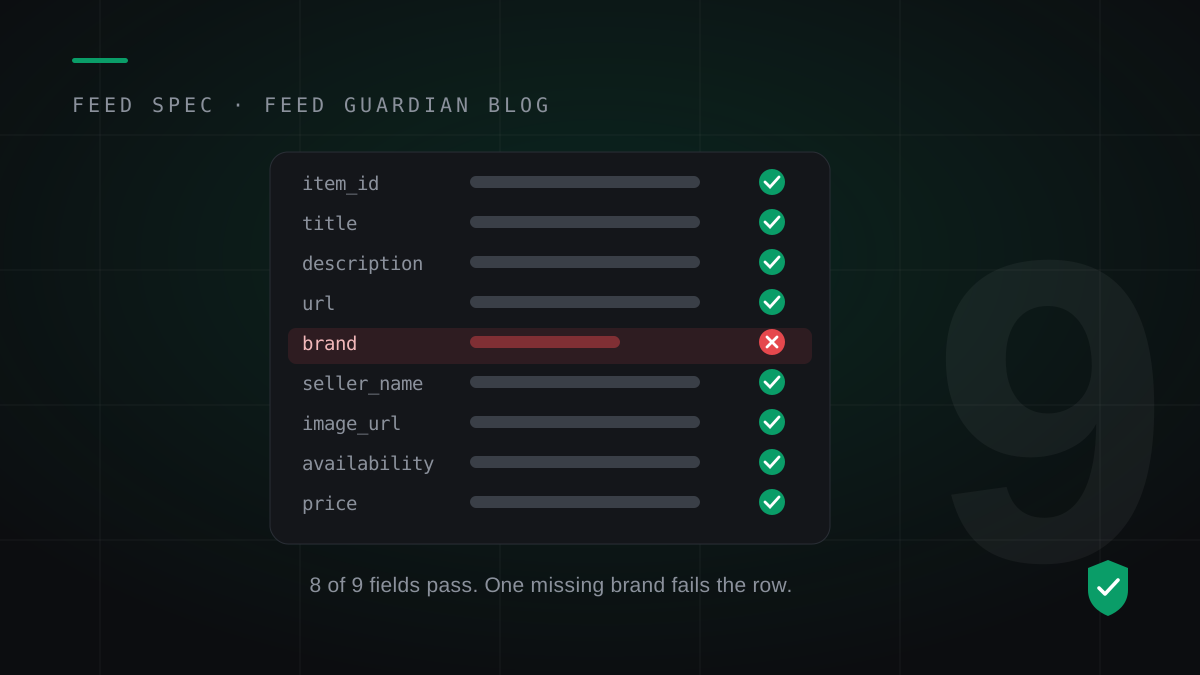
All three run on the same product spec: nine required fields, strict formats, a fresh snapshot at least daily. Whichever door you use, the daily work behind it does not change.
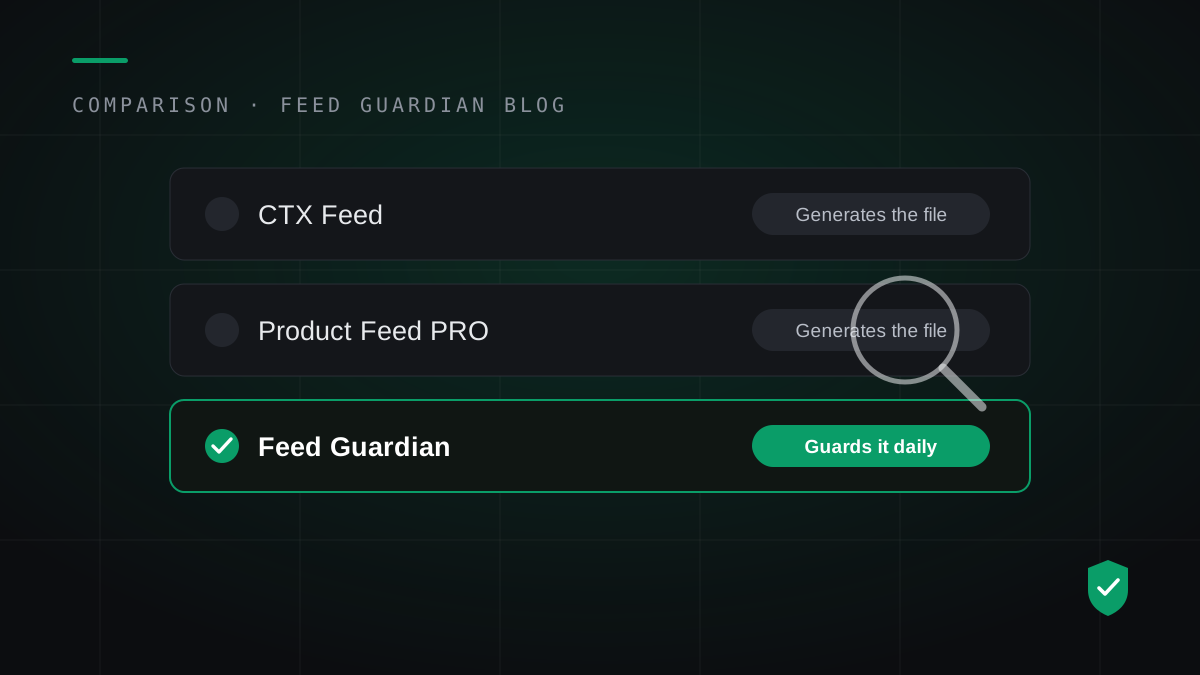
Feed Guardian builds and guards the feed your Business Hub profile links to: validated against the spec, rebuilt daily at one stable URL. Check your store free before you connect anything.
Run the free feed check