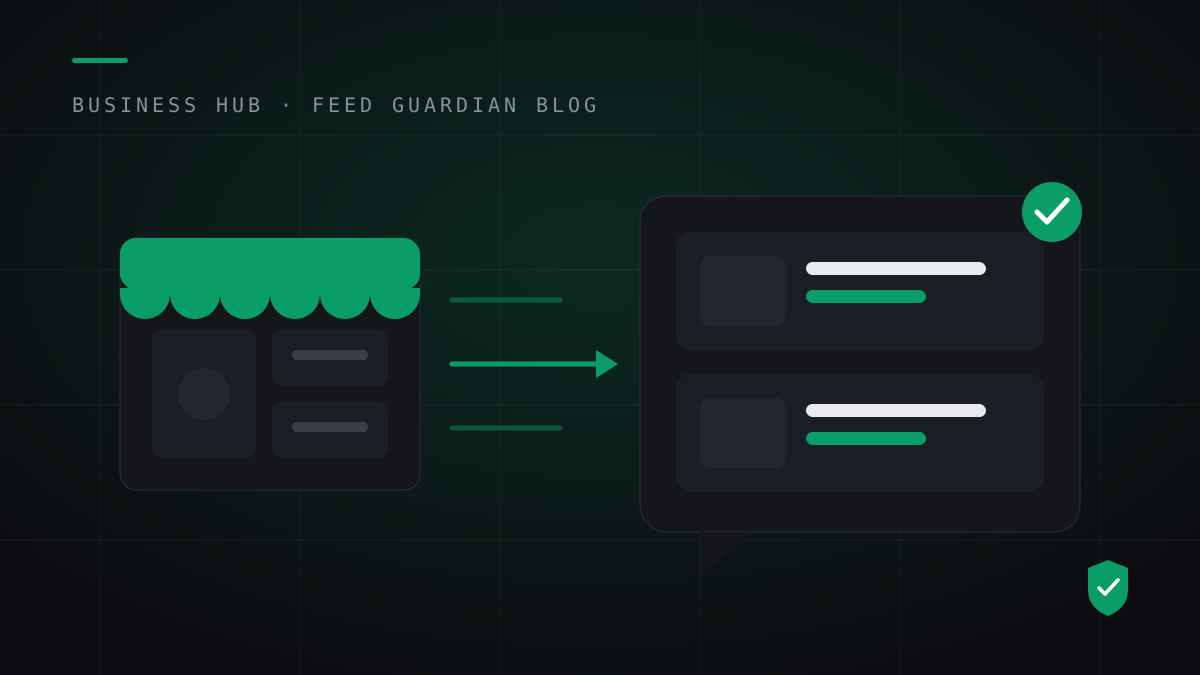
On November 10, 2026, OpenAI gave every verified business a way to put its own products into ChatGPT. The feed lives inside Business Hub, attached to your claimed business profile. You connect it yourself. No partner application, no agency, no waiting list.
ChatGPT shopping is a discovery surface now. Since March 2026, shoppers research and compare inside ChatGPT, then buy on your store. The product cards they see come from data merchants supply. A store with no feed relies on whatever a crawler finds on its pages. A store with a feed controls the price, the image and the stock status ChatGPT shows.
The path, step by step
- Claim your business in OpenAI's Business Hub and finish identity verification. The feed attaches to this profile, so an unclaimed business has nowhere to put one.
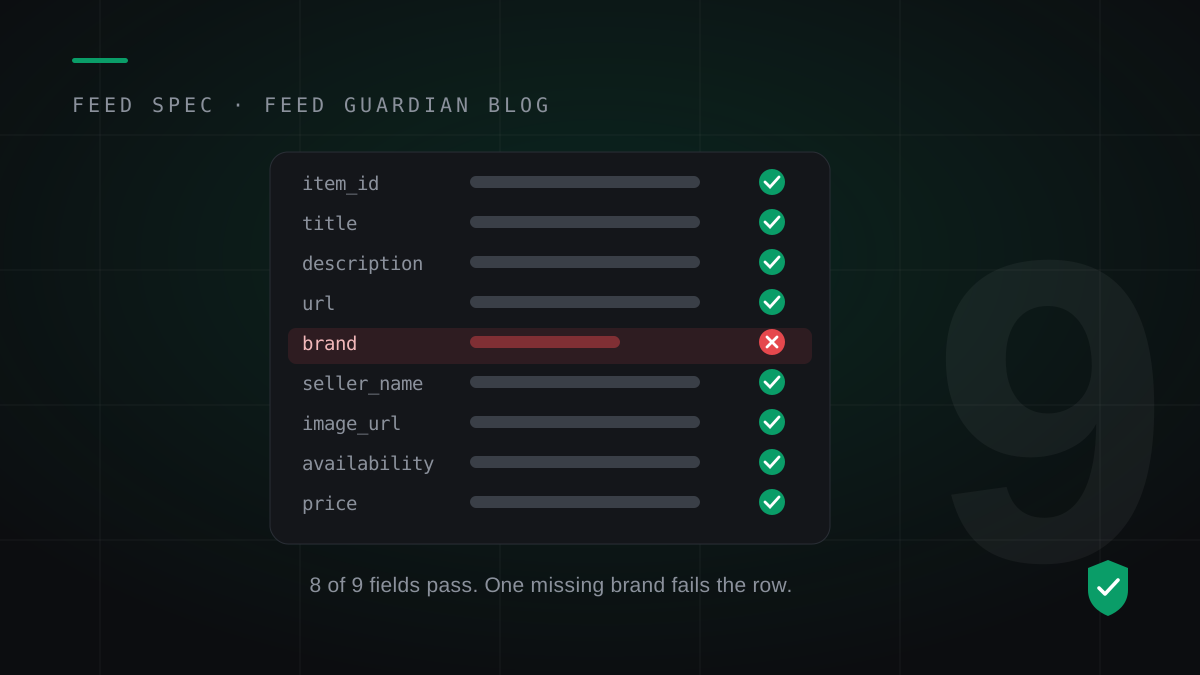
- Prepare your product data. Every row needs the nine required fields from OpenAI's product feed spec: item_id, title, description, url, brand, seller_name, image_url, availability and price.
- Connect the feed in Business Hub. You can upload a CSV, link a hosted feed URL, or connect a Shopify store. WooCommerce stores use the CSV or the hosted URL.
- Keep the feed fresh. OpenAI expects a full snapshot at least once a day and keeps the last processed record for up to 14 days. A feed you upload once and forget ages out on a schedule.
Where WooCommerce stores get stuck
WooCommerce holds your products, but it does not hold them in OpenAI's shape. Brand lives in a plugin field or nowhere. Seller name is not a product field at all. Prices export with currency symbols and thousand separators, and the spec wants a plain number plus a currency code, like 79.99 USD. Availability has to be one of five exact values: in_stock, out_of_stock, pre_order, backorder or unknown.
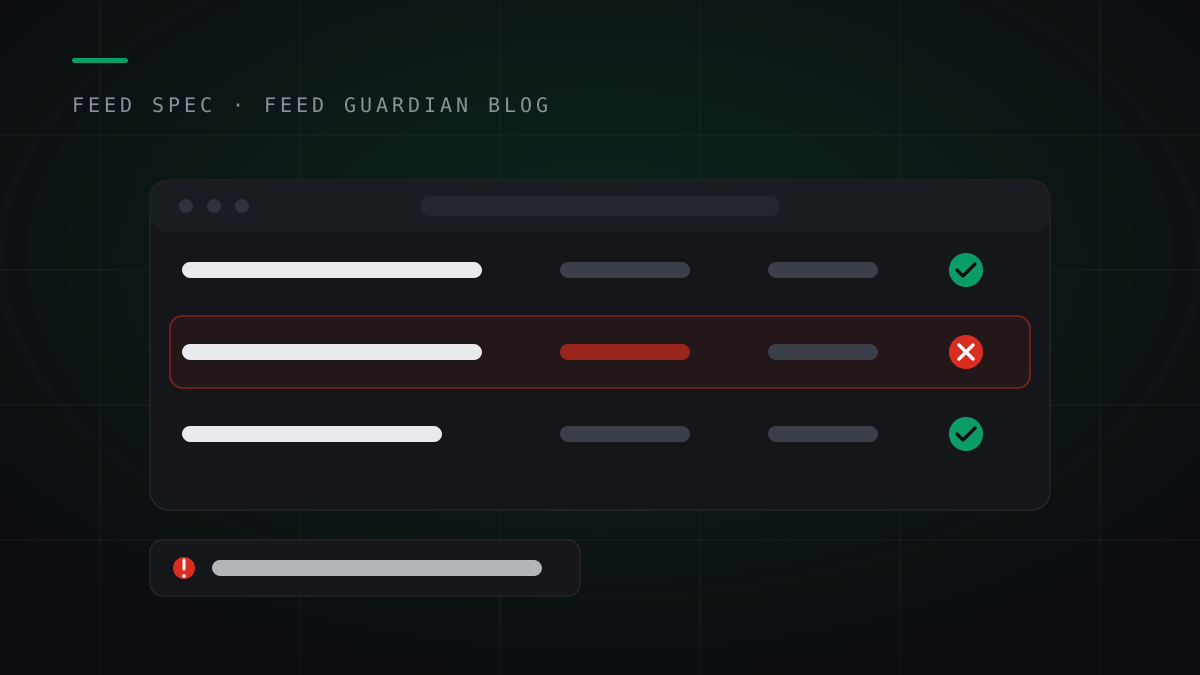
Each mismatch is small. The failure mode is not: OpenAI drops rows that break the rules and sends no notification. You find out weeks later, from missing traffic.
The daily part is the job
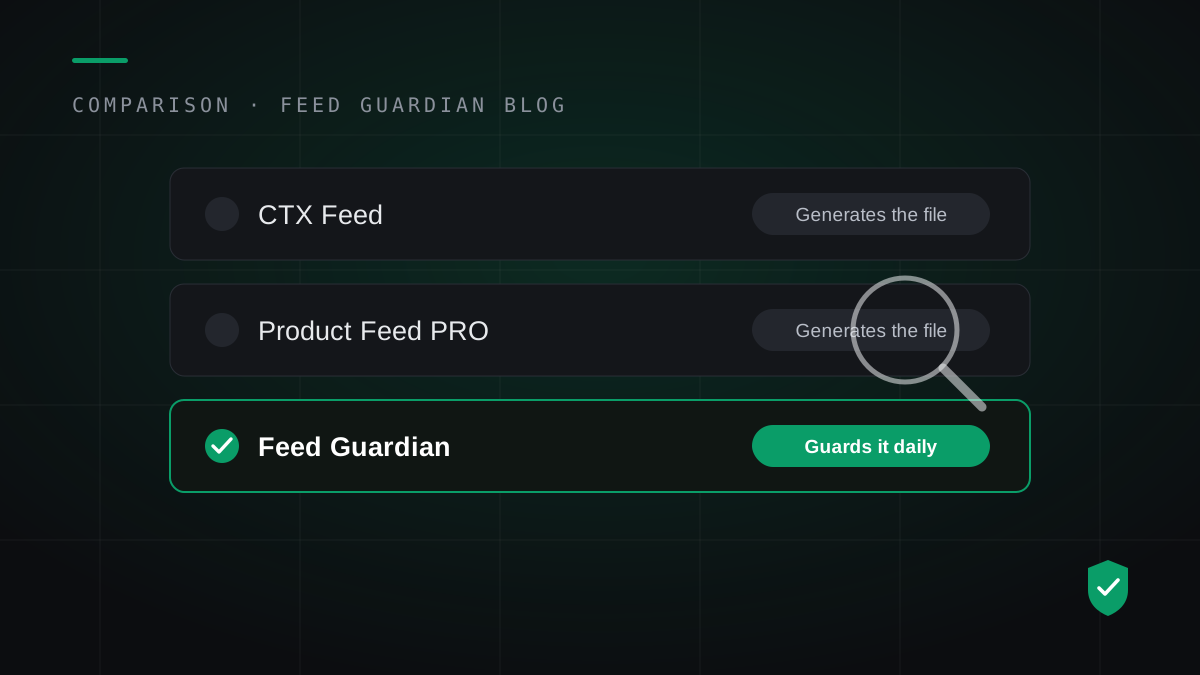
A one-time export solves the first upload. It does nothing for the sale price that changed on Friday, the variant that sold out on Saturday, or the snapshot that needs to exist again tomorrow. The stores that stay listed treat the feed as a daily job, not a launch task.
Feed Guardian does that daily job for WooCommerce stores: it validates every product against the spec, rebuilds your hosted feed every day, and emails you when a product drops out or a price drifts. Run the free feed check to see how your store scores today.
Run the free feed check