ChatGPT product feed errors and how to fix them
The errors that get products rejected from ChatGPT's feed: missing brand, wrong price format, bad availability values. What each one means, and the fix.
6 min readRead the guide →
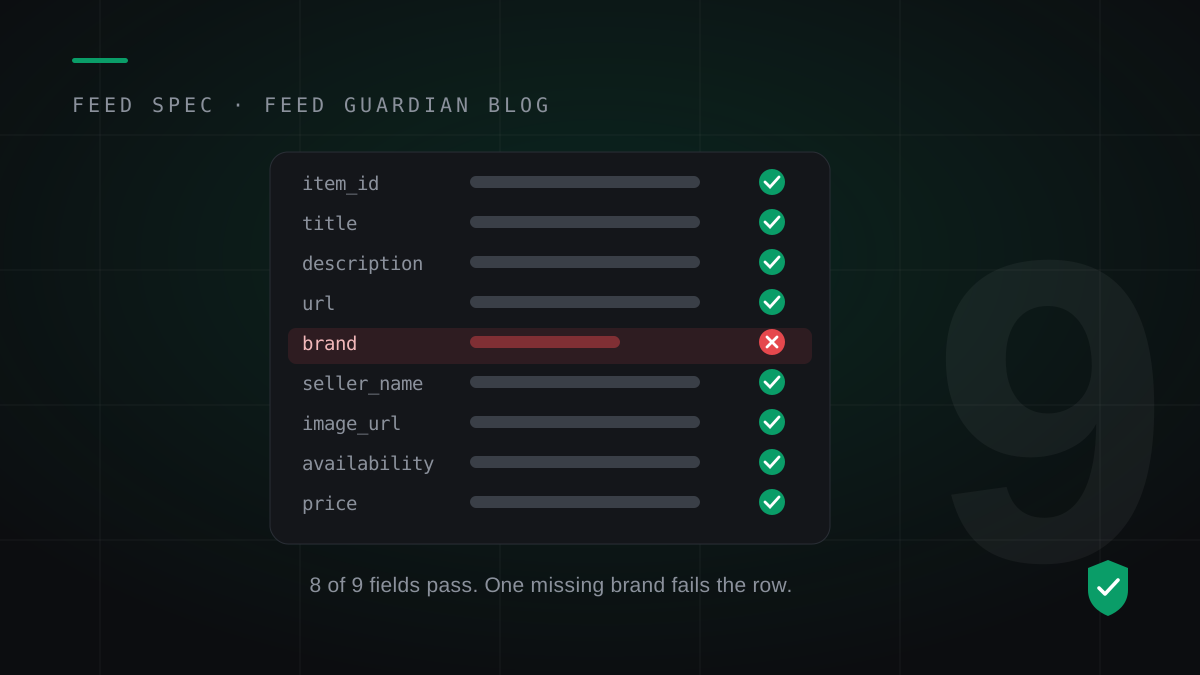
OpenAI's product feed spec decides which products ChatGPT can show. The spec is not long, but it is strict, and it fails silently: a row that breaks a rule gets dropped, and the merchant hears nothing. These are the rules that matter, checked against the current spec.
Variants of one product share a group_id, so ChatGPT shows them as one product with options. A sale_price must be lower than price and in the same currency. Ratings run from 0 to 5. An MPN is capped at 70 characters. None of these appear in the nine-field list, and all of them can sink a row.
Three flags decide which surface a product can appear on: is_eligible_search for organic results, is_eligible_checkout where checkout exists, and is_ads_eligible for the Ads Manager feed. A valid row with the wrong flags is a product ChatGPT has but cannot show.
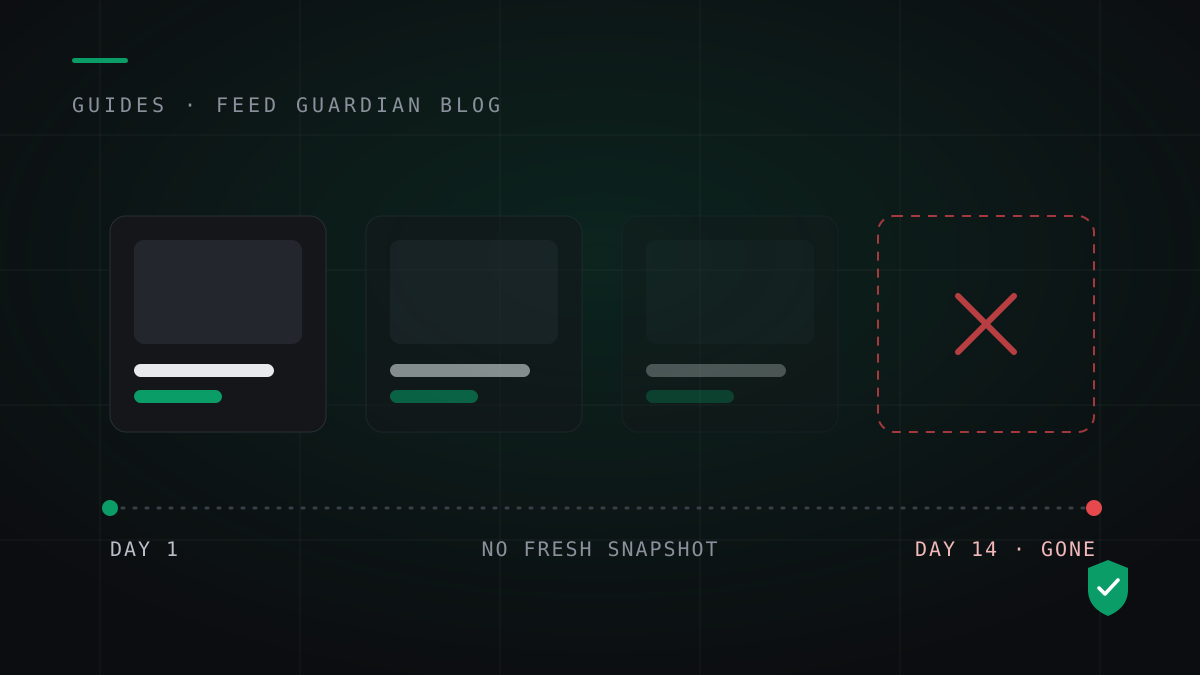
OpenAI prefers Parquet and also accepts jsonl.gz, csv.gz and tsv.gz. Business Hub takes a CSV upload or a hosted feed URL. The non-negotiable rule is freshness: a full snapshot at least daily, and OpenAI retains the last processed record for up to 14 days before the product ages out.
Feed Guardian validates all nine fields, the conditional rules and the flags on every product in your store, then rebuilds the feed daily so the snapshot never goes stale. Start with the free feed check.
Run the free feed check