Best ChatGPT product feed tools for WooCommerce stores, compared
November 16, 2026 · 9 min read
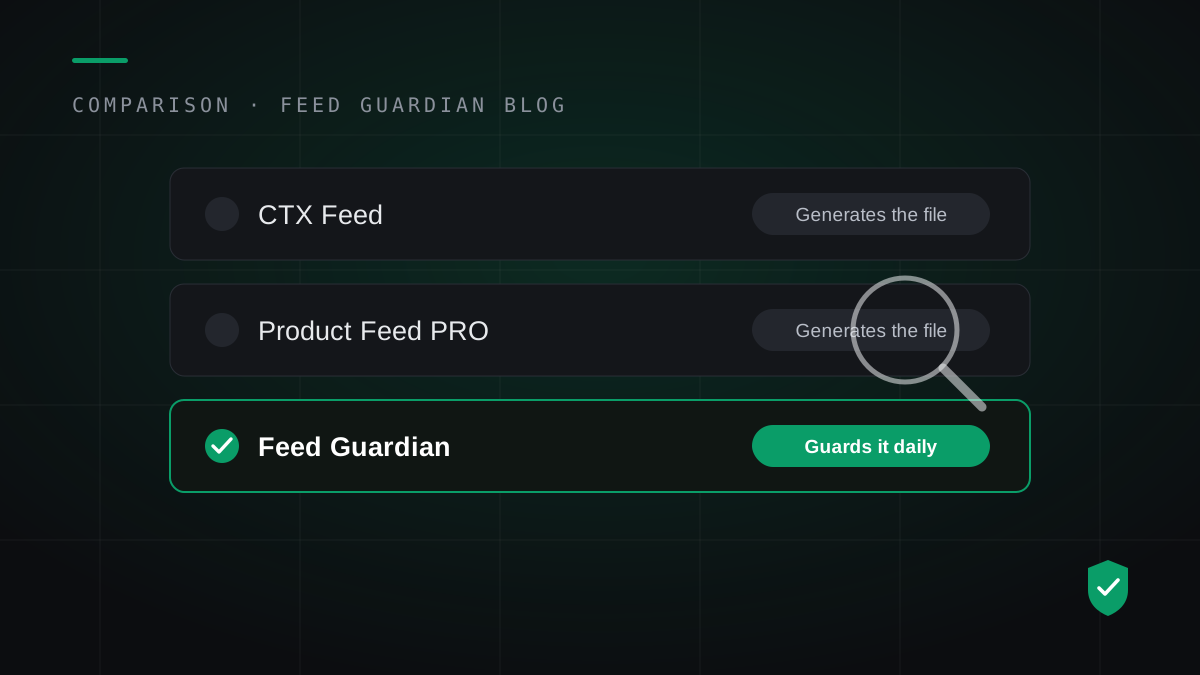
Short answer first. If you need a ChatGPT product feed file once, install a free generator plugin such as CTX Feed and stop reading. If your prices or stock change every week and your products already appear in ChatGPT, a file alone will fail you in silence. You need a tool that validates the feed against OpenAI's rules, rebuilds it every day, and emails you when products drop out. That second tool is Feed Guardian, and this guide compares both kinds honestly, including where the free plugins win.
This guide is for WooCommerce store owners who sell physical products and want those products found inside ChatGPT. It is not for Shopify stores, which connect to ChatGPT through a native pipeline, and it is not for advertisers building a feed for ChatGPT ads. Ads run on a separate feed inside Ads Manager, covered in our comparison of the three ChatGPT feed routes.
Why a feed tool choice matters at all
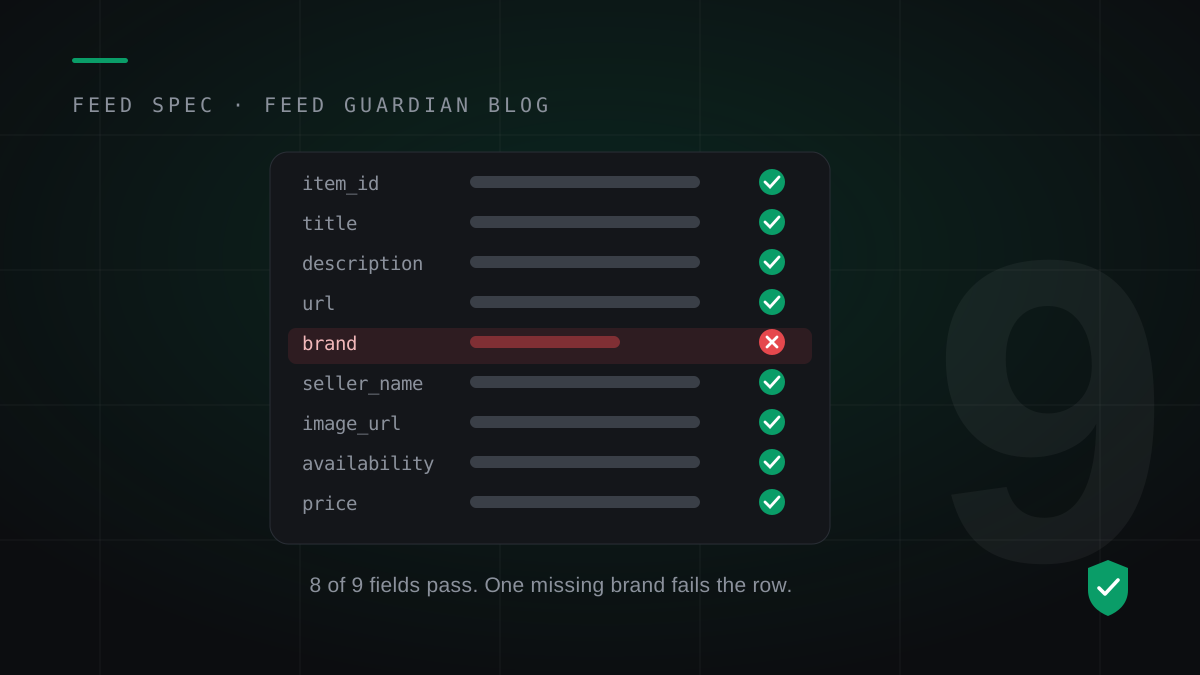
OpenAI opened product feeds inside Business Hub on November 10, 2026. A verified business claims its profile, links a feed, and its products become eligible to appear when shoppers research inside ChatGPT. The feed rules are strict. Every product row needs 9 required fields, from item_id and title to brand, seller_name and a price written in one exact format. Our field-by-field breakdown of the spec lists all nine.
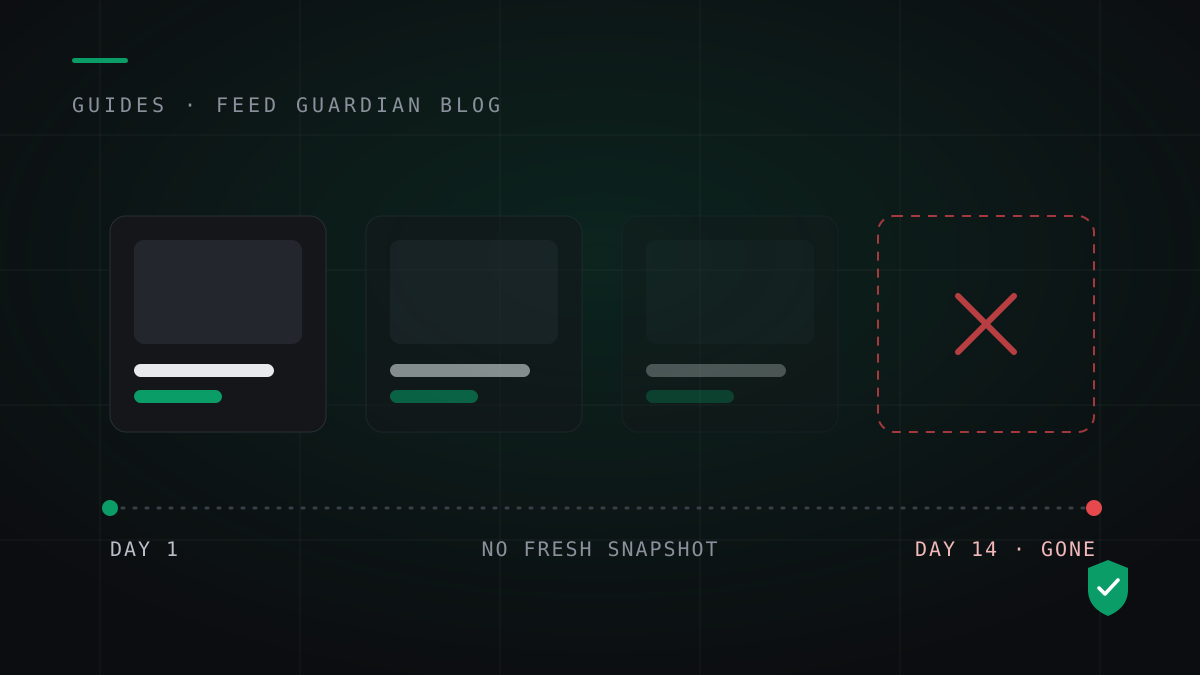
Two facts make the tool choice a real decision. First, OpenAI requires a fresh full-catalog snapshot at least once a day. Second, OpenAI keeps the last processed record for up to 14 days, then products age out. A feed that stops updating does not raise an error anywhere. The products fade from ChatGPT over two weeks while the store owner sees nothing wrong.
Who this is best for
A daily guard earns its price for a specific kind of store:
Stores with 50 or more products, where checking rows by hand stopped being realistic long ago.
Stores that change prices, run sales, or sell out of stock during a normal week.
Owners who claimed their business in Business Hub and already see ChatGPT in their referral traffic.
Owners who cannot afford a silent two-week gap in a channel that sends buyers.
Small teams with no developer on call when a plugin update breaks the feed schedule.
Who this is not for
Honesty saves everyone time. Skip the guard if any of these describe you:
You have not claimed your business in Business Hub yet. Do that first; it costs nothing. Our Business Hub walkthrough covers the steps.
Your catalog changes once a season. A free generator plus a monthly manual check does the job.
You run Shopify. Use the native ChatGPT connection in your Shopify admin instead.
You want a feed for ChatGPT ads. That feed lives in Ads Manager and follows a different spec.
You need one CSV for a one-off upload and nothing more. A generator plugin gives you that free.
The tools, compared
Five tools cover most WooCommerce stores today. Four are WordPress plugins that generate the feed file inside your site. One is a hosted guard that generates, validates and watches the feed from outside your site. FeedAgentX sits in the table as well because owners ask about it; it builds feeds for the Ads Manager side, not for Business Hub discovery.
Tool
Price
Generates the feed
Validates the 9 fields
Daily rebuild if your site breaks
Alerts when products drop
CTX Feed
Free, paid tiers
Yes
Basic checks
No, runs inside WordPress
No
Product Feed PRO
Free, paid tiers
Yes
Basic checks
No, runs inside WordPress
No
WP Product Feed Manager
Free, paid tiers
Yes
Basic checks
No, runs inside WordPress
No
WebToffee Product Feed
Paid
Yes
Basic checks
No, runs inside WordPress
No
FeedAgentX
$9 per month
Ads feed only
Ads rules
Yes, hosted
Yes, for ads
Feed Guardian
$49 one-time
Yes, hosted file
Full rules, plain-English fixes
Yes, runs on our servers
Yes, email on failure or drift
Read the table with one question in mind: who notices when the feed stops? With a plugin, the feed schedule runs on WP-Cron, and WP-Cron only fires when someone visits your site. A quiet week, a plugin conflict, or a hosting hiccup can stall the schedule, and the plugin cannot email you about a job it never ran. The failure mode is silence, and silence is what the 14-day clock feeds on.
Key differences that decide it
Where the feed runs matters more than feature lists. Feed Guardian pulls your catalog through a read-only WooCommerce API key, validates every row on our servers, and hosts the rebuilt file at one permanent link. Your site can go down for a weekend and the hosted file still serves the last good snapshot while we email you about the failed pull. A plugin cannot do this. It lives inside the thing it watches.
Validation depth is the second difference. Generators check that fields exist. The guard checks the rules OpenAI applies: price in the exact currency format, availability from the allowed value list, sale price below list price, brand and seller_name present on every row. Each failure comes back as a fix you can act on, not an error code. Our guide to why products disappear from ChatGPT shows the three failure patterns this catches.
The third difference is the diff. Every daily rebuild compares against the previous snapshot. A product that vanishes from the feed, a price that jumps, a stock flag that flips across the whole catalog: the guard flags the change and emails you the same day. Generators rebuild the file and report nothing.
Real tradeoffs
Feed Guardian is not the right answer for every store, and it is not a finished giant. The tradeoffs:
Price. The generators are free. The guard costs $49. If ChatGPT sends you no traffic yet, the free tools win and it is not close.
Track record. Feed Guardian launched in November 2026. CTX Feed has years of installs behind it. You trade maturity for the monitoring layer.
Setup effort. The guard needs a read-only API key from your WooCommerce settings. It takes about five minutes, and some hosts block REST API access behind security plugins, which adds a troubleshooting step.
Dependency. If OpenAI changes the feed spec, you rely on us updating the validator. We track the spec because the whole product depends on it, but the reliance is real.
Scope. The guard covers the Business Hub discovery feed only. It does not build ads feeds, and it does not write product descriptions or fix bad source data in your catalog.
Switching from a free plugin to Feed Guardian
Most owners start with a generator and switch when the catalog starts moving. The switch takes under 30 minutes:
Run the free feed check on your store. It reads your public product data and counts the errors OpenAI would reject today.
Connect your store with a read-only WooCommerce API key. The key can read products and nothing else, and you can revoke it any time.
Fill the two gaps most stores have: a default brand and your seller name. You type them once; the guard applies them to every row that lacks them.
Copy your hosted feed link into Business Hub, in the same slot your plugin file used.
Pause or remove the plugin's ChatGPT feed. Two tools feeding one slot creates conflicting snapshots, and OpenAI keeps the last one it processed.
What changes after the switch: the feed rebuilds on our schedule instead of your site's traffic, validation runs on every rebuild instead of on export, and failures reach your inbox. What does not change: your Business Hub claim, your product data, and your store itself. Nothing is installed on your WordPress site.
Questions store owners ask
Do I need a plugin and Feed Guardian at the same time? No. One feed source per Business Hub slot. Keep the plugin for other channels if you use it for Google Shopping, and let the guard own the ChatGPT feed.
What exactly does OpenAI require in the feed? Nine fields on every row: item_id, title, description, url, brand, seller_name, image_url, availability and price, plus a fresh full snapshot at least daily. The spec guide explains each field and the format rules.
Why did my products disappear from ChatGPT? In most cases the snapshot went stale and the 14-day retention window ran out, or rows failed validation and dropped one by one. Both failures are silent inside Business Hub.
Does Feed Guardian work for ChatGPT ads? No. Ads feeds live in Ads Manager under a separate spec. Feed Guardian covers the Business Hub discovery feed, where shoppers find products through research and comparison.
What happens if my website goes down? The hosted feed keeps serving the last good snapshot, and you get an email that the daily pull failed. If the outage lasts, a second alert follows. Your listings do not vanish because your host had a bad weekend.
How much does Feed Guardian cost? $49, one payment, for one store. No subscription. The launch price covers the daily rebuilds, validation and alerts.
Final recommendation
Choose a free generator if you are testing ChatGPT as a channel, your catalog barely changes, or you enjoy checking the feed yourself. CTX Feed is the proven pick of that group. Choose Feed Guardian if ChatGPT already sends you buyers, your prices and stock move every week, and a silent two-week disappearance would cost you more than $49. The dividing line is not catalog size. It is how much a silent failure costs you.
Sources: OpenAI product feed documentation and Business Hub launch coverage, November 2026. WordPress.org plugin directory listings for CTX Feed, Product Feed PRO, WP Product Feed Manager and WebToffee, checked November 2026. Related reading: how Business Hub feeds work, the 9 required fields, why products disappear.
See what OpenAI sees in your catalog today. The free feed check reads your public product data and counts every row that would fail validation.