Most ChatGPT feed rejections come from a short list of errors, and every one of them is fixable in your store admin. We scanned 1,541 products from real stores against OpenAI's feed rules and 32 passed. The rest failed on the errors below, usually the same two or three repeated across the whole catalog.
The errors, what they mean, and the fix
Error
What OpenAI sees
The fix
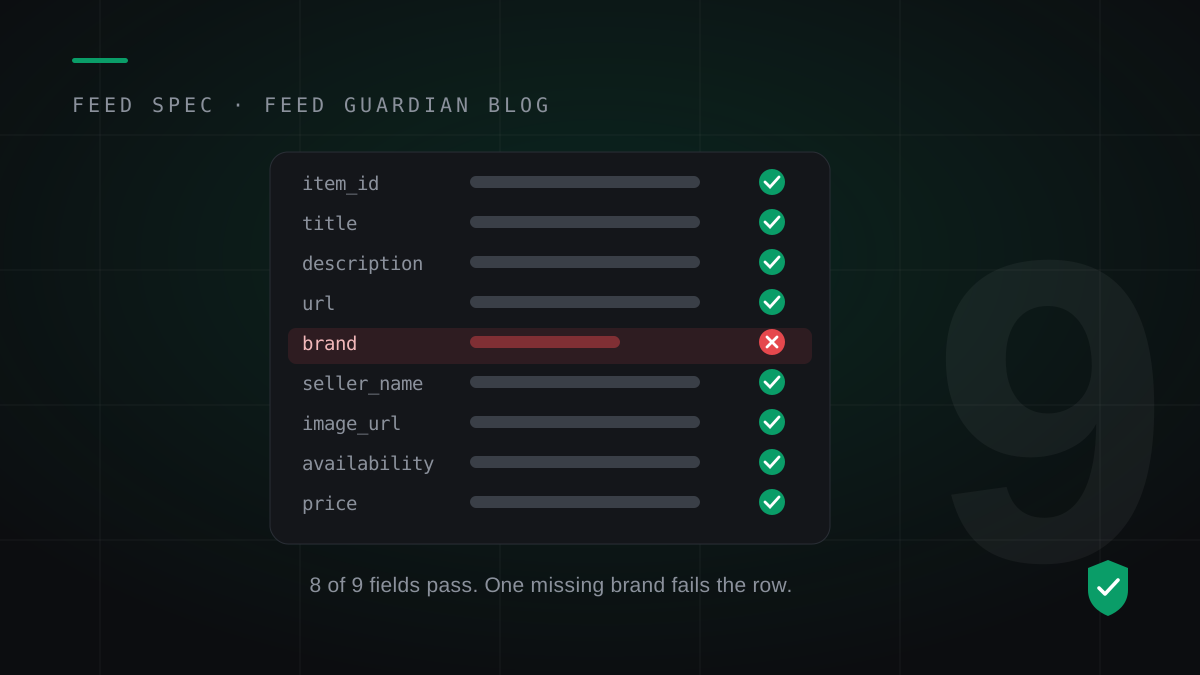
Brand missing
No brand on the row. Most WooCommerce stores fail here first, because the platform has no brand field by default.
Set a brand on each product, or set one default brand for the store and apply it to every row.
Seller name missing
The feed never names the seller, and OpenAI requires seller_name on every row.
Set your store name once and add it to every row.
Price in the wrong format
A price like $1,299.00 carries a symbol and a comma. The spec wants a plain number and a currency code.
Write the price as 1299.00 USD: number, space, currency code.
Currency code wrong
A code OpenAI does not recognise. One store we scanned had a placeholder word sitting where its currency code belonged, on every product.
Use the ISO code for your store currency: USD, EUR, GBP.
Sale price not lower than price
A sale_price equal to or above the regular price breaks the sale rule.
During a sale, send price as the regular price and sale_price as the lower sale price.
Availability value not allowed
Values like In Stock or yes are not in the spec, so the row fails.
Use exactly one of in_stock, out_of_stock, pre_order, backorder or unknown.
Image missing or not public
No featured image, or an image URL a shopper cannot open.
Add a featured image with a public, absolute URL.
Description missing
The row has no description at all.
Add a real description in your store admin, even a short one.
Snapshot too old
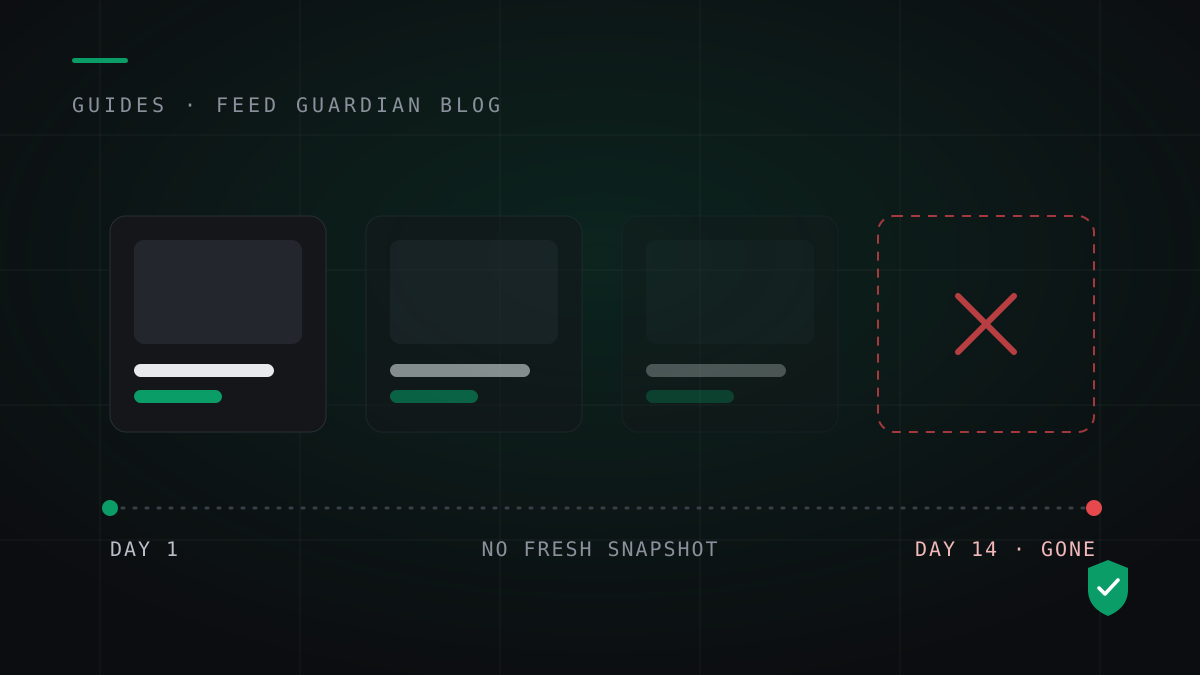
Not a field error. OpenAI keeps the last processed record for up to 14 days, then the product ages out of the results.
Rebuild and resubmit a full snapshot every day.
Why nobody tells you
OpenAI drops a failing row and sends no notification. Your store looks live while individual products quietly leave, and the gap shows up weeks later as missing traffic. The full rule set sits in the feed spec guide. The only way to catch a rejection is to check the feed against those rules yourself, on a schedule.
Check your store before you fix anything
Fix the errors your store actually has, in the order they cost you products. The free feed check scans your public product data and returns this exact list for your catalog: which error, how many products, and the fix for each. Most stores find the brand error and the price error in the first scan.
Feed Guardian runs that check, fills the store-level gaps once, rebuilds your feed every day, and emails you when a new error appears. Start with the free check.
Does OpenAI tell you when a product is rejected from the feed?
No. OpenAI drops a row that breaks the feed rules and sends no notification. The product leaves ChatGPT's results silently, which is why stores find out weeks later from missing traffic.
What is the most common ChatGPT product feed error?
A missing brand. WooCommerce has no brand field by default, so most stores fail on brand first. In our scans of 1,541 products from real stores, only 32 passed every rule.
How do I fix a price format error in my feed?
Write the price as a plain number, a space, and the currency code: 79.99 USD. Remove currency symbols, commas and ranges. During a sale, send the regular price as price and the lower sale price as sale_price.
How often does a ChatGPT product feed need to refresh?
OpenAI expects a full snapshot at least once a day. It keeps the last processed record for up to 14 days, so a feed uploaded once by hand ages out on a schedule even when every row is valid.