How to get a custom website's products into ChatGPT through Business Hub
November 23, 2026 · 6 min read
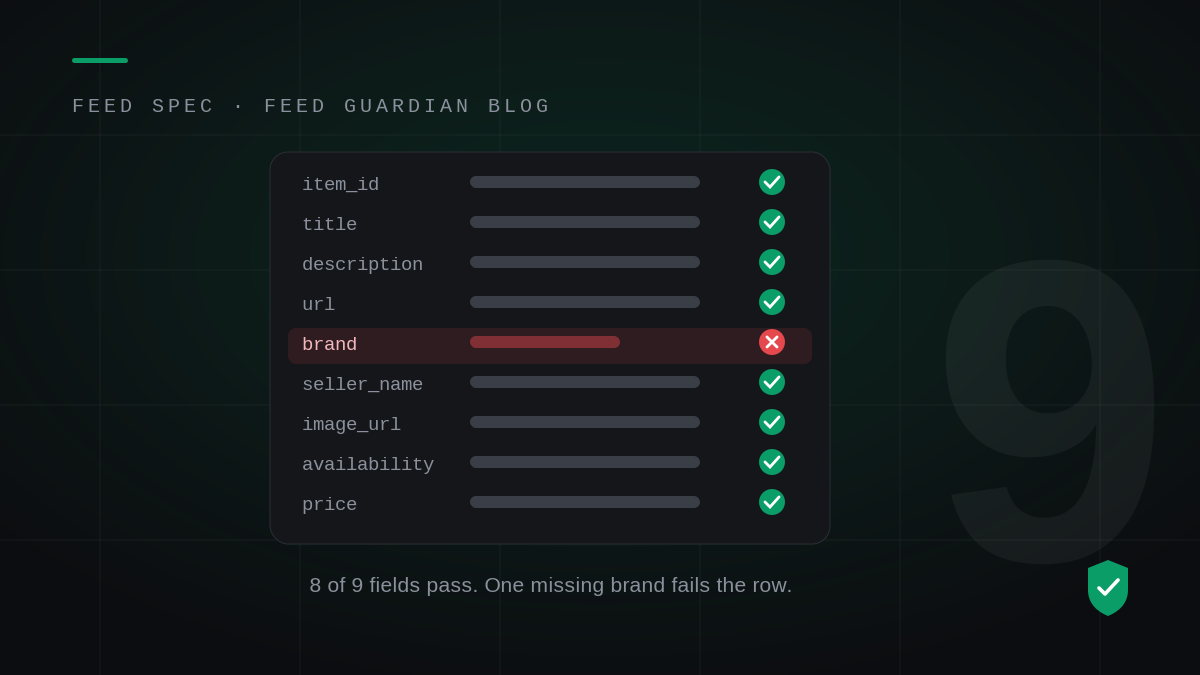
Short answer first. A custom-built store reaches ChatGPT the same way a WooCommerce store does: claim the business in Business Hub and link a hosted feed URL. What you do not have is a plugin to build that feed, or a native connection to pull it. One small JSON endpoint on your own site closes the gap. Your site serves its catalog as JSON, a guard validates every row against OpenAI's eleven fields, hosts the feed at one stable link, and rebuilds it daily. This guide is the contract for that endpoint and the steps around it.
Why custom stores are stuck
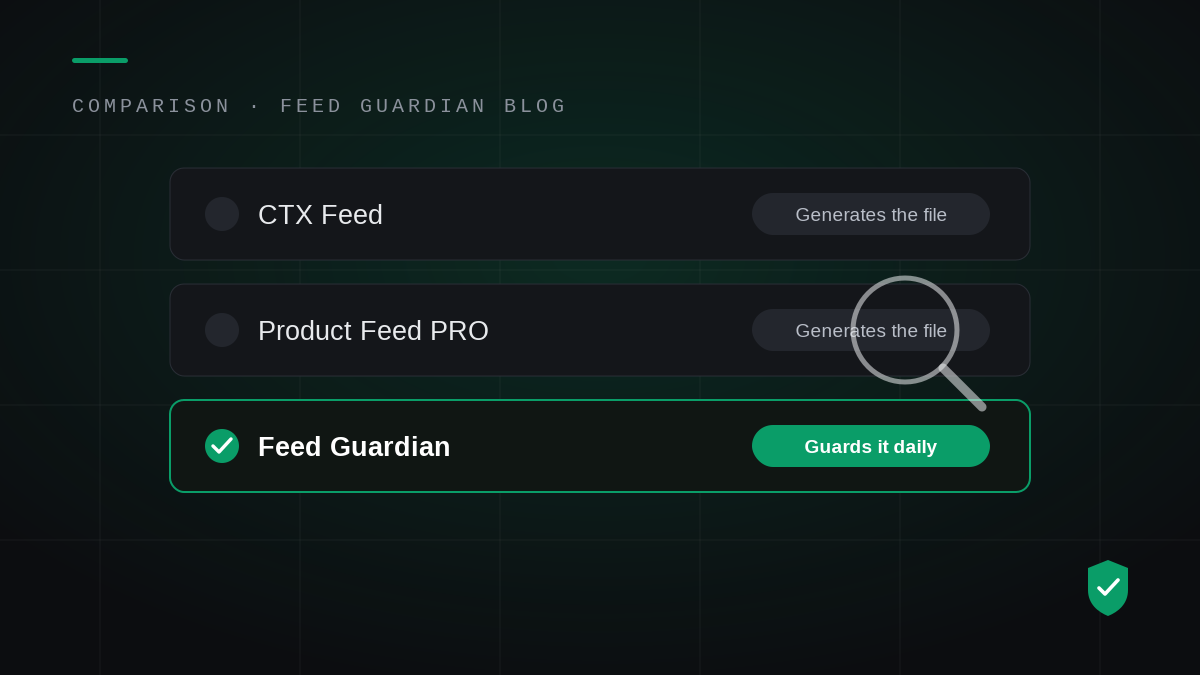
The feed tool market is built for platforms. WordPress has generator plugins, Shopify has a native connection, and both have apps for everything else. A store built on Next.js, Laravel, or a headless stack gets none of it, and a hand-built CSV dies on the spec's real rule: a fresh full snapshot at least once a day, every day, with OpenAI keeping the last record for up to 14 days. A file you export by hand has an expiry date. The endpoint removes the hand from the loop.
The endpoint: one GET route
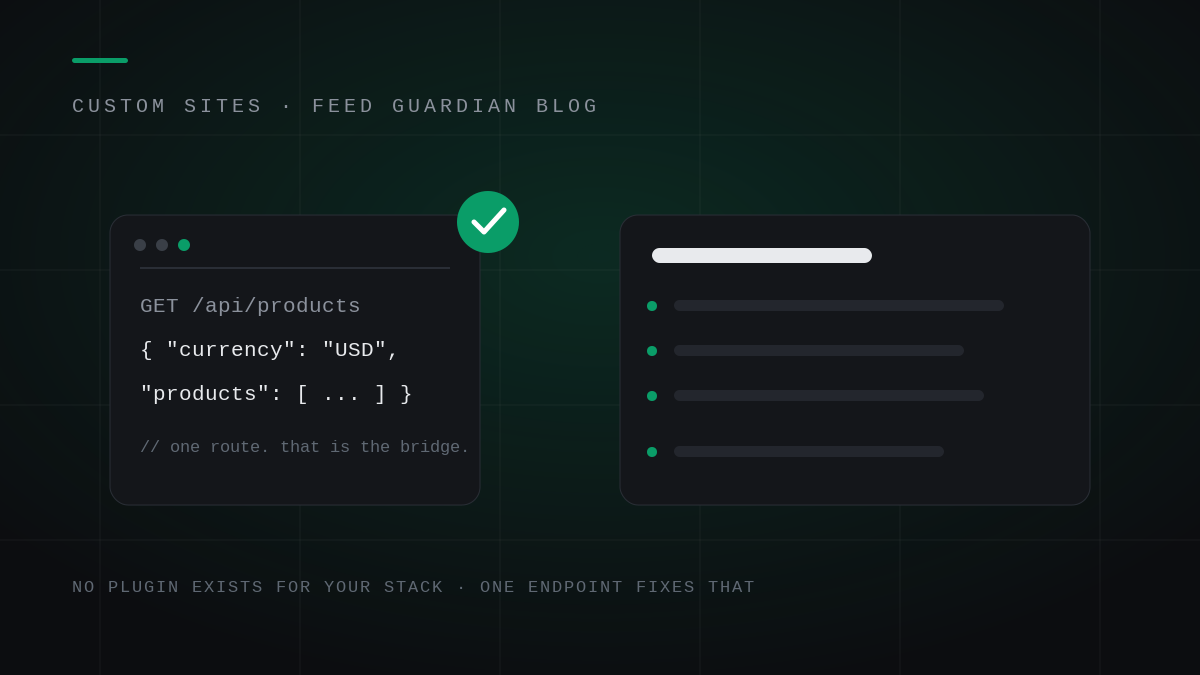
Add one read-only route to your site, at /api/products, that answers a GET request with JSON in this shape. It serves the same product data your shoppers already see. Nothing private belongs in it.
currency: your store's currency code, like USD. One code for the whole feed.
products: the full catalog as an array. Each product carries id, name, url, description, image_url, price, regular_price, sale_price, availability, brand and sku, with the fields your catalog honestly has.
price as a number, not a display string. 58.00 in the data, not $58.00 with a symbol your template added.
availability in your store's words is fine at this stage. The guard maps it to the spec's five allowed values when it builds the feed.
Keep the route public and fast. The guard reads up to 2,000 products per pull, once a day, and again whenever you run a check.
That contract is the one our free custom-site check reads, and the one a connected store is pulled from daily. If your stack can answer a GET with JSON, it qualifies. Next.js route handlers do it in a few lines; the framework is not the point, the shape is.
What happens after the endpoint exists
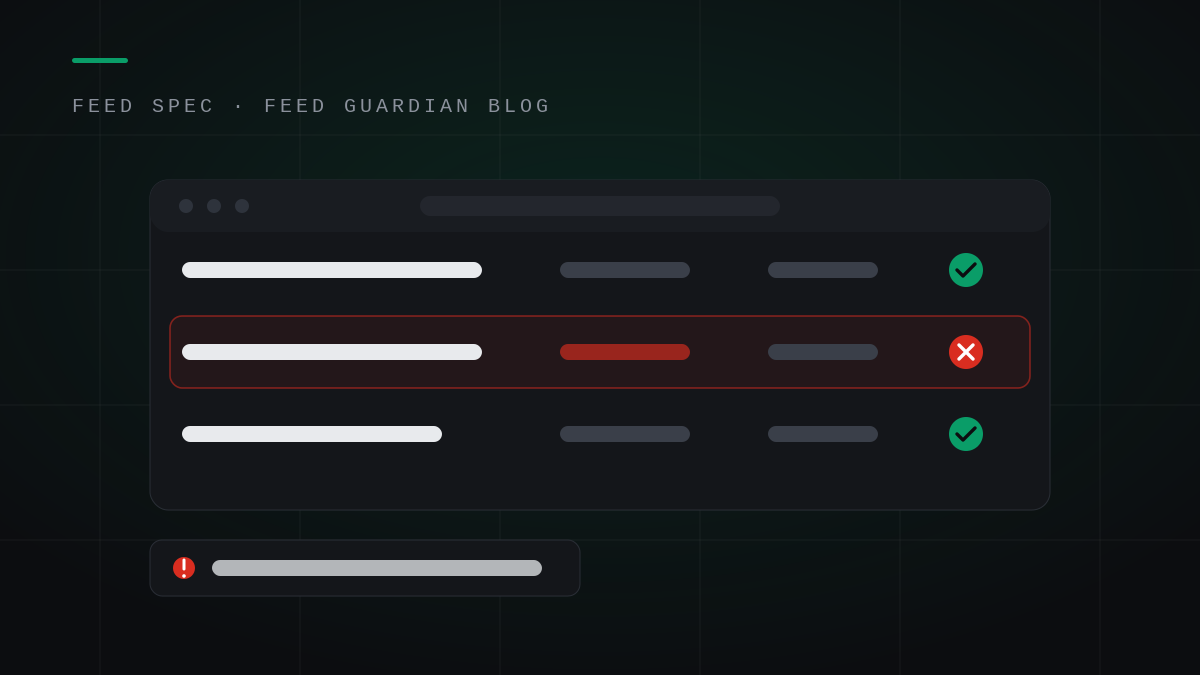
Run the free check against your store address. It reads the endpoint, maps every product to the spec, and lists the rows that would fail and why.
Fix the pattern it shows. On custom catalogs the pattern is almost always brand and seller_name, because custom data models rarely store either. Set both once as store defaults and every row inherits them.
Claim your business in Business Hub and finish verification, as in our claim walkthrough.
Connect the store, copy the hosted feed link the guard gives you, and paste it into the feed slot on your claimed profile.
Leave it running. The guard re-pulls the endpoint daily, rebuilds the snapshot, compares it with yesterday, and emails you when a row breaks or a price drifts.
Where custom catalogs fail the spec
Brand and seller_name were never fields. Custom data models store what the storefront needed, and the storefront never needed a brand column. This is the gap the defaults exist to close.
Images as relative paths. Your templates resolve /images/mug.jpg against your domain. The feed needs the absolute public URL, and the guard can only pass on what the endpoint gives it.
Prices stored as display strings. A price saved as $58.00, or worse as a range, fails the format rule. Store the number; format it at render time.
Thin descriptions. A product page written for design, with the details in an image, gives the endpoint nothing to send. The row fails on description, and the fix is words in the data.
Questions store owners ask
Do I need to rebuild my site to do this? No. One route, added to the site you have, reading the catalog you already store. Stores usually ship it in an afternoon.
My stack is not Next.js. Does this still work? Yes. The check and the guard read an HTTP endpoint, not a framework. Next.js is the common case and the one our demo store runs, which is why the guide leads with it.
Is the endpoint a security risk? It returns public product data: names, prices, images your shoppers already see. Keep orders, customers and keys out of it, as you would with any public route.
What if my catalog has no endpoint and cannot get one? Then the CSV route is your fallback: build the file from our CSV template, upload it in Business Hub, and accept the manual daily rebuild until the endpoint exists.
If your site can serve one JSON route, it can hold a ChatGPT feed. Run the free check on the endpoint and see your catalog the way OpenAI's rules see it.
How do I connect a custom website's product catalog to ChatGPT Business Hub?
Serve your catalog from one public JSON endpoint, let a guard validate it against OpenAI's eleven-field spec and host the feed, then paste the hosted link into your claimed Business Hub profile. The feed rebuilds daily from the endpoint.
What should a product feed API endpoint return?
A currency code and the full product array. Each product needs an id, name, product URL, description, image URL, numeric price, availability, brand and SKU where it exists. A guard maps those fields to the feed spec and flags the gaps.
Do I need a developer to set up a ChatGPT product feed?
For a custom site, you need one small endpoint, which is an afternoon of developer time. Platform stores need none: WooCommerce uses a hosted link and Shopify connects natively. After setup, validation and the daily rebuild run without a developer.
Why do custom stores fail the ChatGPT feed check?
Brand and seller name first, because custom data models rarely store them. On our public demo store all 4 test products failed on both. Relative image paths, prices stored as display strings and thin descriptions fail rows after that.